If you're planning to create a Business Website, Portfolio, Blog, eCommerce Store, or Company Website, the first step is choosing a reliable web hosting provider.
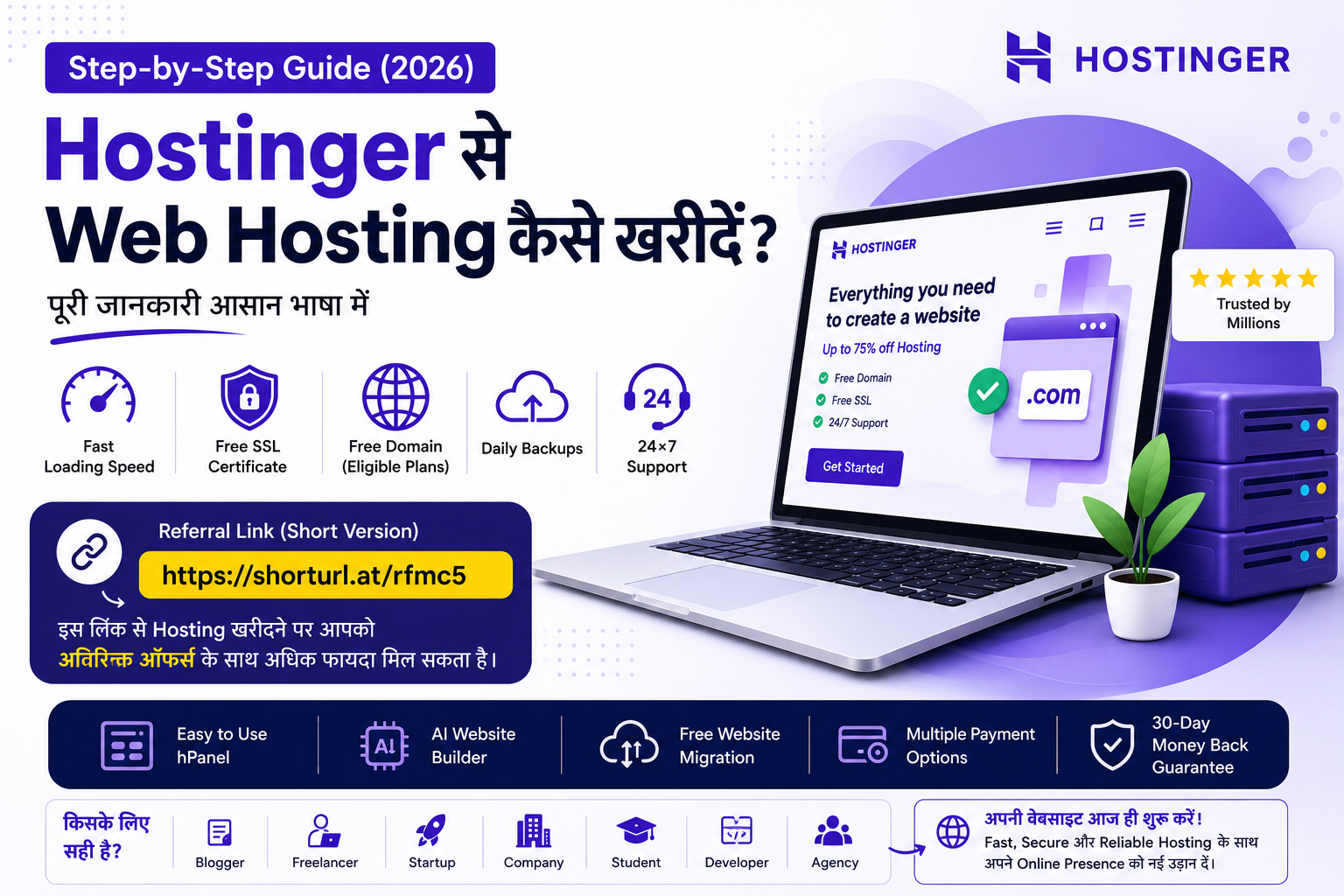
Hostinger is one of the most popular hosting providers today because of its excellent performance, affordable pricing, free SSL, free domain (on eligible plans), beginner-friendly control panel, and 24/7 customer support.
Why Choose Hostinger?
Here are some of the biggest reasons why millions of users trust Hostinger:
- ⚡ Fast Loading Speed
- ? Free SSL Certificate
- ? Free Domain (Eligible Plans)
- ? Weekly/Daily Backups
- ? Professional Business Email
- ?️ Easy-to-Use hPanel
- ? AI Website Builder
- ? 24×7 Customer Support
- ? Free Website Migration
Whether you're a beginner or an experienced developer, Hostinger provides everything you need to launch your website quickly.
Step-by-Step Guide to Buying Hostinger Web Hosting
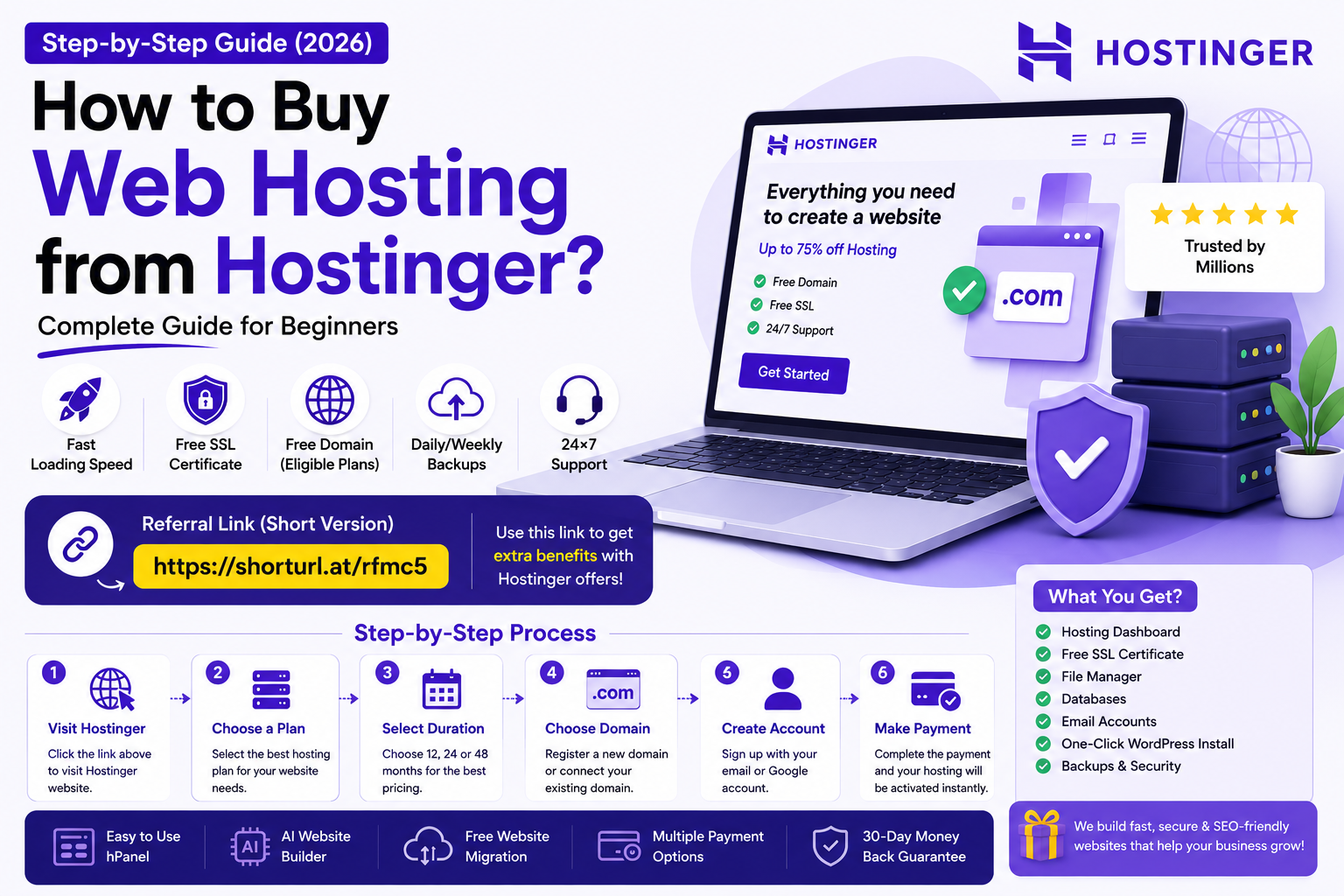
Step 1 – Visit Hostinger
Click the link below to visit Hostinger.
? Referral Link
Step 2 – Choose a Hosting Plan
Select the hosting plan that best fits your needs.
Recommended plans:
- Premium Web Hosting ✅
- Business Web Hosting ✅
If you're starting your first website, the Premium plan is usually the best choice.
Step 3 – Select Your Hosting Duration
Choose a longer subscription (24 or 48 months) if you want to get the best value and lower monthly pricing.
Step 4 – Choose Your Domain Name
You can either:
- Register a new domain
- Connect an existing domain you already own
Step 5 – Create Your Hostinger Account
Sign up using your:
- Google Account
- Email Address
Your account will be ready within minutes.
Step 6 – Complete the Payment
Hostinger supports multiple payment methods, including:
- UPI
- Credit Card
- Debit Card
- Net Banking
- Digital Wallets (where available)
Once the payment is completed, your hosting account will be activated instantly.
What Do You Get After Purchasing?
Depending on your hosting plan, you'll receive access to:
- Hosting Dashboard
- File Manager
- MySQL Databases
- Free SSL Certificate
- DNS Management
- Professional Email
- Backup Options
- One-Click WordPress Installation
- Website Migration Tools
Is Hostinger Good for Beginners?
Absolutely!
Hostinger is an excellent choice for:
- Bloggers
- Freelancers
- Startups
- Small Businesses
- Companies
- Students
- Developers
- Digital Agencies
Its user-friendly interface makes website management simple, even if you have no prior technical experience.
Buy Through Our Referral Link
If you purchase Hostinger using the referral link below, you may receive additional promotional benefits depending on Hostinger's current offers.
? Referral Link
Our Recommendation
If you're planning to build:
- Business Website
- Company Website
- WordPress Website
- Portfolio Website
- Blog
- Online Store
Hostinger is one of the best budget-friendly hosting providers available today.
Need a Professional Website?
If you don't just need hosting but also want a professional website built, 8BIT Solution can help.
Our Services
- Business Website Development
- Company Website
- eCommerce Website
- School ERP
- CRM Development
- Custom Software Development
- SEO-Friendly Website
- Website Maintenance
- Website Speed Optimization
- Website Security
Why Choose 8BIT Solution?
We build:
- Modern Websites
- Fast Loading Websites
- SEO-Friendly Websites
- Mobile Responsive Websites
- Secure Web Applications
- Custom Business Software
Helping businesses grow online with reliable and scalable digital solutions.